
OBJ to STL Converter
Use this free OBJ to STL converter to turn a OBJ model into a STL file without installing software. Add your file, check the 3D preview, and download the STL result. The conversion runs in your browser, so the model never leaves your device. STL stores geometry only. OBJ materials, textures and UV coordinates will be dropped.
- Free, no watermark
- No signup
- Files never leave your device
OBJ to STL on a real model
A four-color 3D model is converted from OBJ to STL in your browser. The produced file is loaded back and measured, so what you see below is the real result.
OBJ → STL
Drag the handle to compare. Rotate either side and both follow. Sample: “Blue-and-white vase” by Format3D, CC0, generated by Format3D.
How to convert OBJ to STL
Three steps, no account, nothing to install.
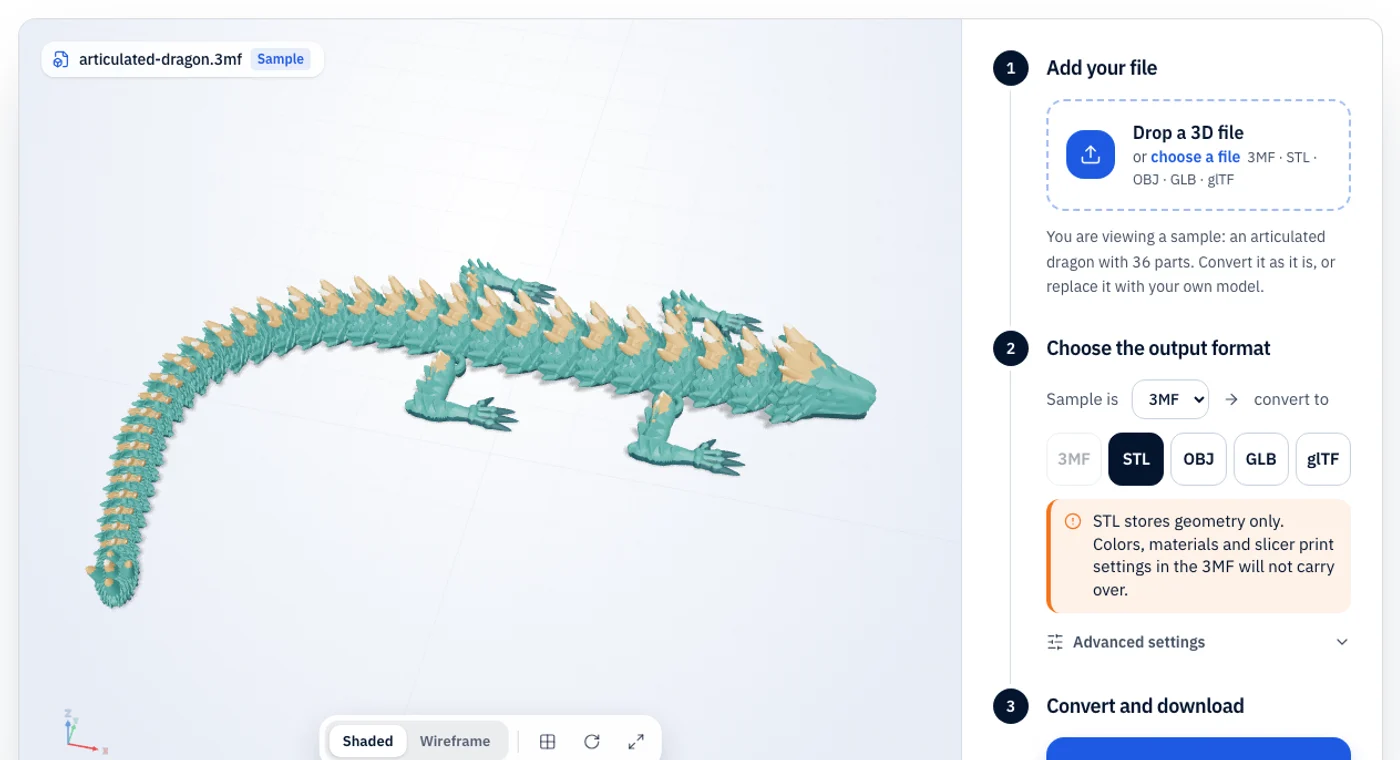
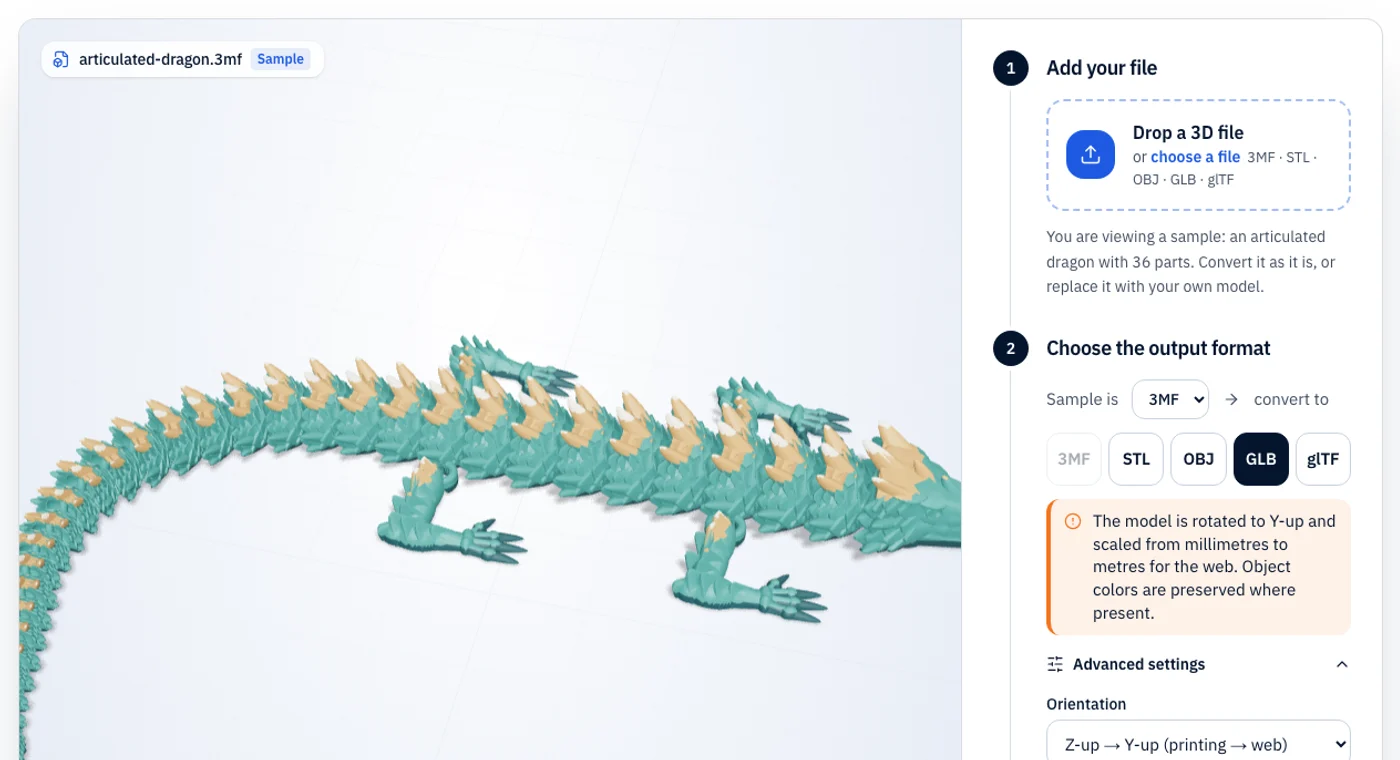
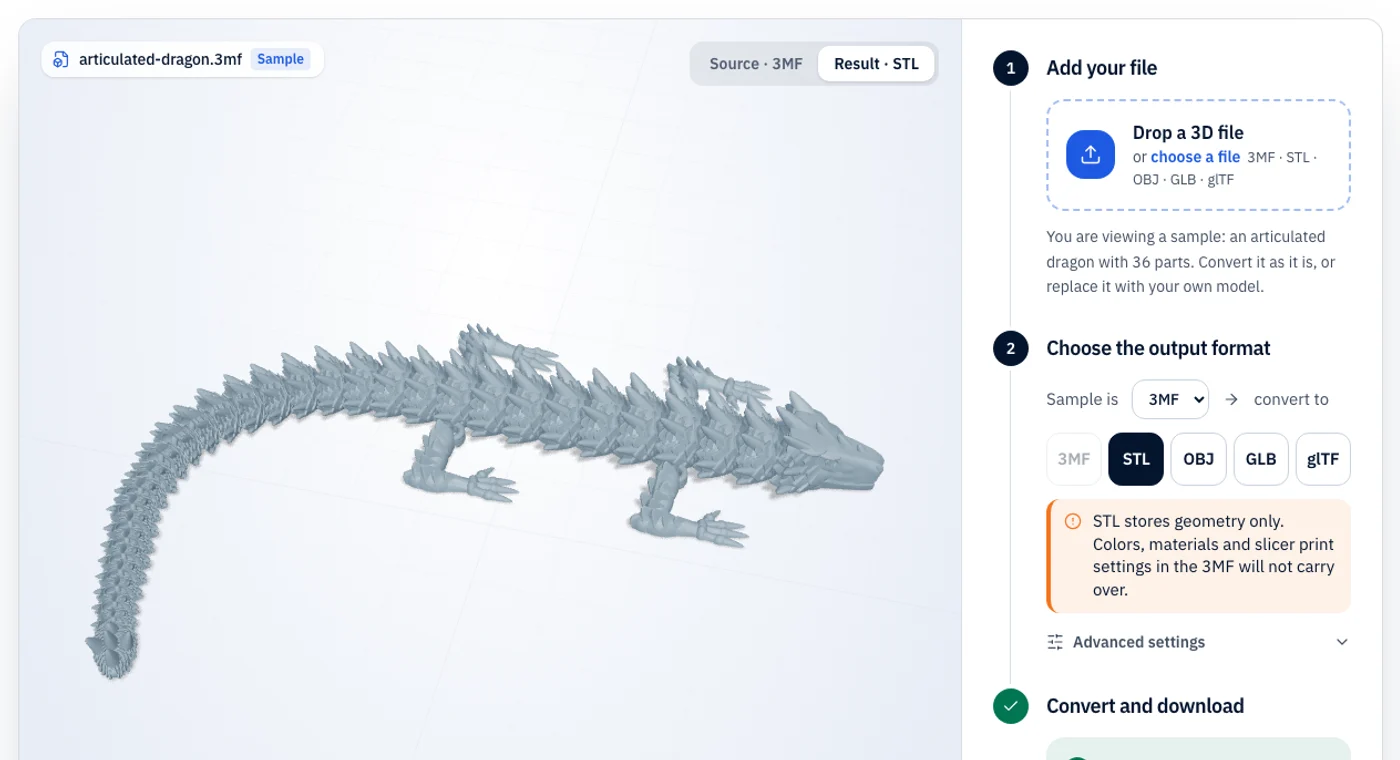
OBJ vs STL: what changes in the conversion
Use this to prepare a model from Blender, Maya or a scan for 3D printing, or when a slicer or print service only takes STL.
A plain-text mesh format supported by nearly every 3D tool. Colors and textures live in a separate .mtl file and image files.
The oldest and most widely supported 3D printing format. It stores only a triangle mesh: no color, no materials, no units.
| Property | OBJ | STL |
|---|---|---|
| Color | Via .mtl file | No |
| Textures | Yes, as separate images | No |
| Units | None | None (slicers assume mm) |
| File structure | Plain text plus .mtl and images | Binary or ASCII triangle list |
| Best for | Exchanging meshes between 3D software | Sending a mesh to any printer or slicer |
What stays
- all faces. Quads and n-gons are triangulated.
What changes or is lost
- materials (.mtl), textures, UV maps, vertex normals and object or group names.
- OBJ has none and we do not rescale it. Slicers read STL as millimetres, so a model made in metres will come out tiny; adjust with the scale setting.
What is OBJ?
OBJ is a plain-text mesh format from Wavefront that nearly every modelling, sculpting and rendering program can read and write. Vertices, normals, texture coordinates and faces live in the .obj file, while colors and texture images are described by a companion .mtl file and separate image files, which must stay together.
What is STL?
STL dates from the 1980s and is still the lowest common denominator of 3D printing. It describes a surface as a list of triangles and nothing else: no color, no material, no unit and no object names. Because it is so simple, practically every slicer, CAD tool and print service accepts it.
OBJ to STL troubleshooting
The problems people actually run into, and the quickest fix for each.
- 01
The printed model is tiny or huge
OBJ has no unit. Many apps export metres or centimetres. Use the scale setting (1000× turns metres into millimetres, 10× turns centimetres into millimetres).
- 02
The model is lying on its side
Blender-style Z-up and Y-up exports differ. Use the orientation setting to rotate between Y-up and Z-up.
- 03
Some faces are missing
Check normals and that faces use a consistent winding. Flipped faces can print as holes even though the OBJ looks fine.
OBJ to STL FAQ
Short answers to what people ask before converting OBJ files to STL.