
Online 3D Model Viewer
Use this free online 3D model viewer to open STL, OBJ, GLB, glTF and 3MF files directly in your browser. Rotate, zoom, switch to wireframe and read the model’s size and triangle count. It needs no account, and your file is never uploaded.
- Free, no watermark
- No signup
- Files never leave your device
The viewer runs in your browser. Your model is never uploaded.
How to use the 3D model viewer
Open a file and inspect it in three steps, with no software to install.
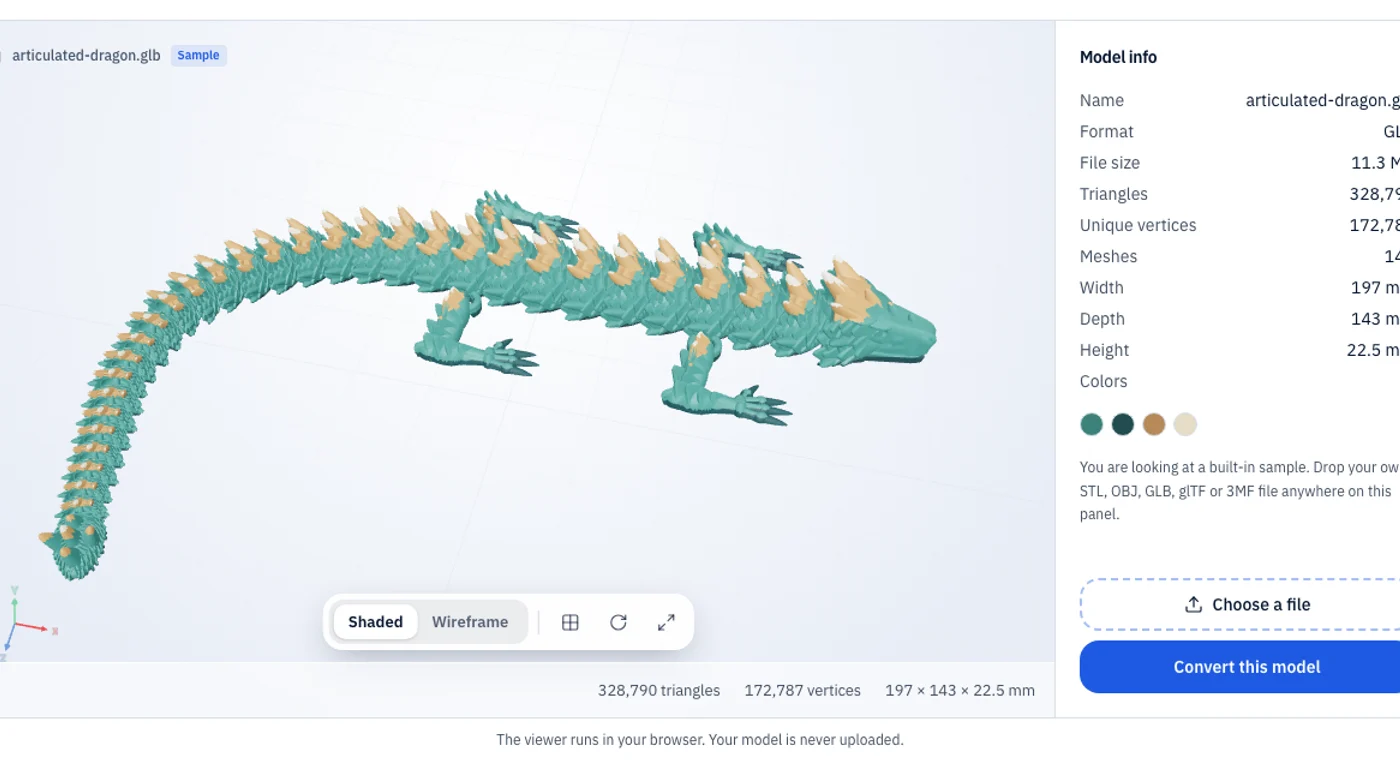
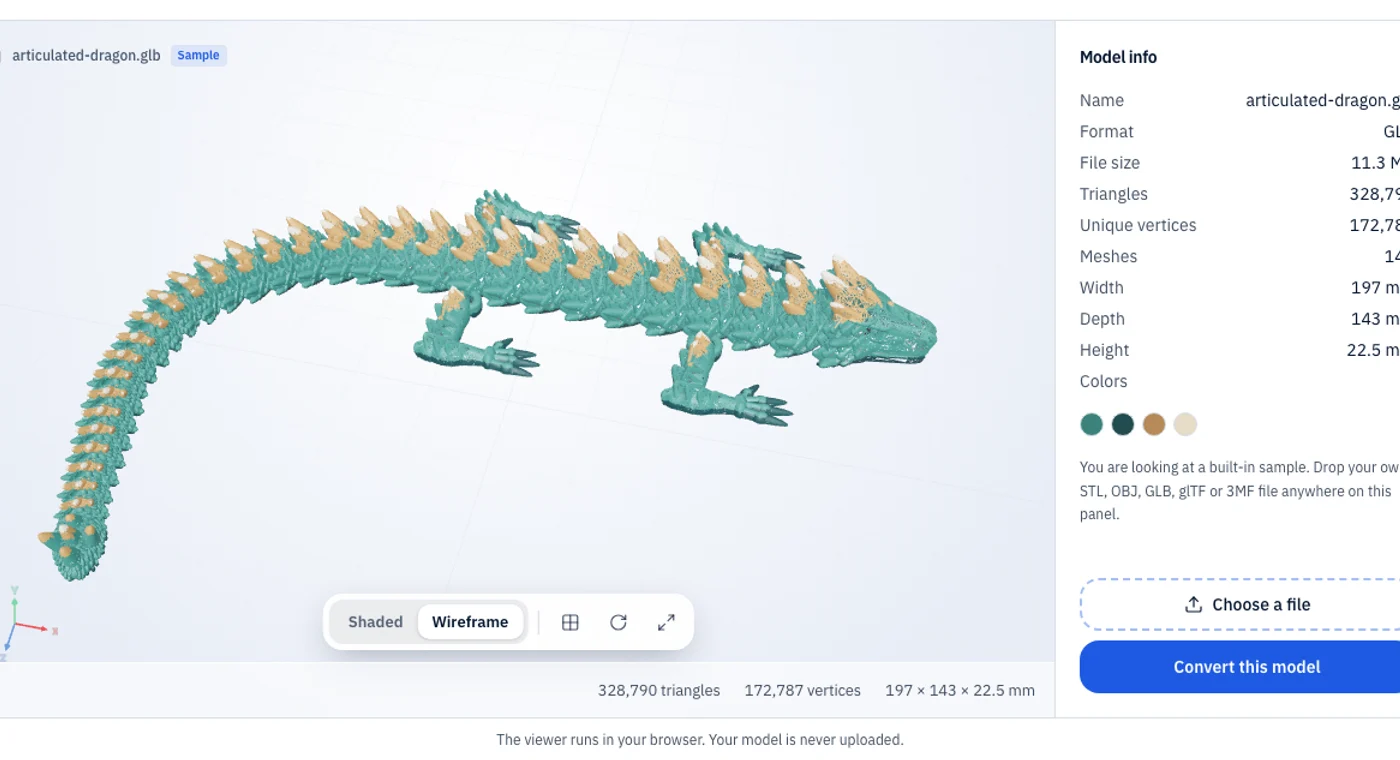
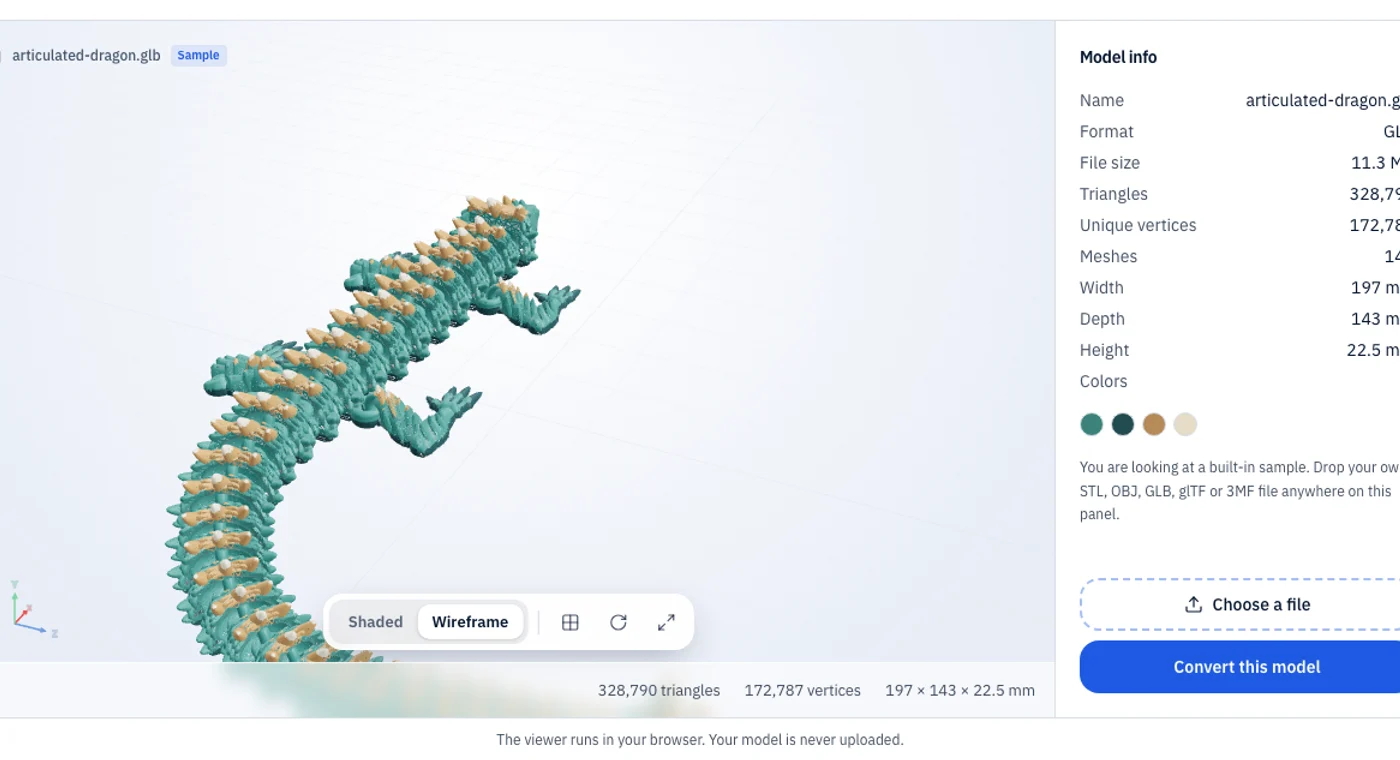
What the viewer tells you
Real measurements from your file, not a rendering trick.
Geometry
Triangle and mesh counts tell you how heavy a model is. A 5 million triangle scan will be slow in a slicer or on a phone; a few thousand triangles load instantly.
Dimensions
The bounding box shows width, depth and height in the file’s own unit, so you can check a part fits the print bed before you slice it.
Orientation and wireframe
STL and 3MF models are shown with Z up, as printers expect. The wireframe makes bad meshes obvious: stretched triangles, holes and duplicate surfaces.
A browser-based 3D model viewer is handy when you receive a file and want to know what it is before committing to a download, a slicer import or a print. Because it reads the file locally, you can safely open client work and unreleased designs. Need a different format? Press Convert this model, or go straight to a converter for your formats such as STL to GLB or 3MF to STL.
3D file formats the viewer supports
Open the format you have; the viewer reads each one the same way.
| Format | Opens as | Colors and textures | Notes |
|---|---|---|---|
| STL | Triangle mesh | Not stored in the file | Binary and ASCII STL both open. Shown in millimetres with Z up. |
| OBJ | Mesh with optional materials | From the .mtl file and images you add | Select the .obj, .mtl and textures together. |
| GLB | glTF scene | Base colors and embedded textures | Draco and Meshopt compressed files may not open. |
| glTF | glTF scene | Base colors and textures | Add the .bin and image files next to the .gltf. |
| 3MF | Print project | Per-object base colors | Slicer settings and painted supports are not shown. |
Check the scale first
If a model that should be a few centimetres wide reads thousands of units, it was exported in the wrong unit. Fix the scale before you slice it.
Switch to wireframe
Stretched triangles, holes and doubled surfaces are easy to spot in wireframe, and they are the usual reasons a print fails or a model looks dirty on the web.
Compare two exports
Open each export in turn and compare triangle counts and file sizes. The lighter, cleaner file is usually the right one to keep.
3D viewer FAQ
Common questions about viewing 3D files online.
Last updated: