
STL to GLB Converter
Use this free STL to GLB converter to turn a STL model into a GLB file without installing software. Add your file, check the 3D preview, and download the GLB result. The conversion runs in your browser, so the model never leaves your device. The GLB will use a neutral grey material. The model is rotated to Y-up and scaled from millimetres to metres.
- Free, no watermark
- No signup
- Files never leave your device
STL to GLB on a real model
A four-color 3D model is converted from STL to GLB in your browser. The produced file is loaded back and measured, so what you see below is the real result.
STL → GLB
Drag the handle to compare. Rotate either side and both follow. Sample: “Blue-and-white vase” by Format3D, CC0, generated by Format3D.
How to convert STL to GLB
Three steps, no account, nothing to install.
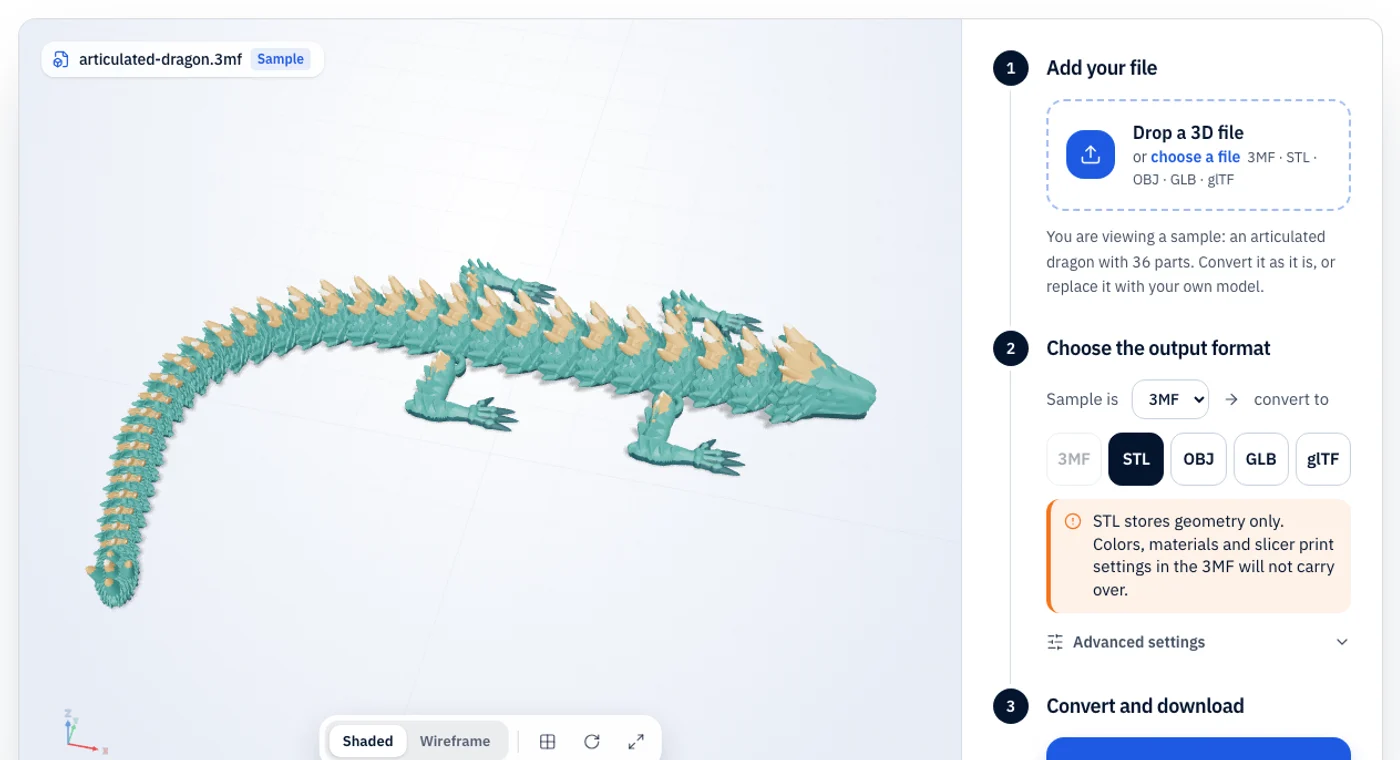
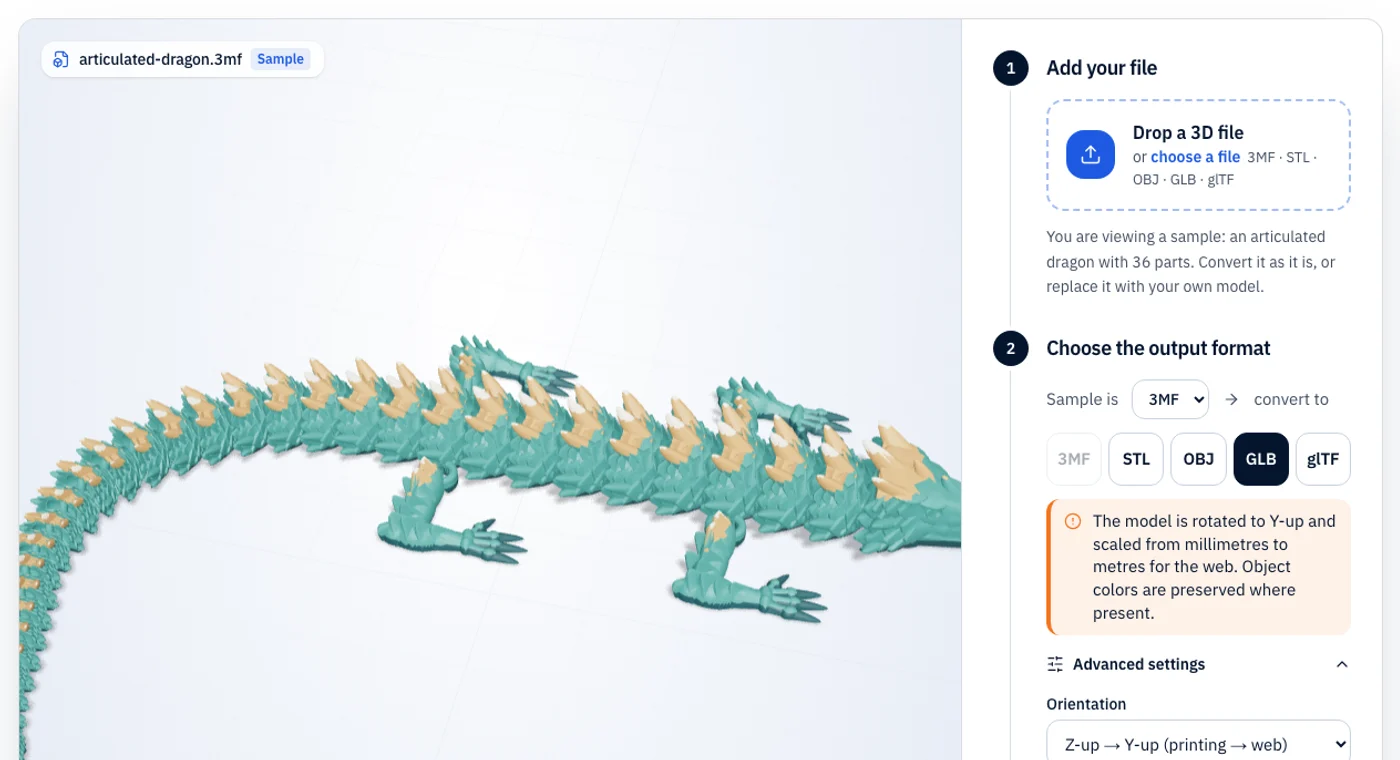
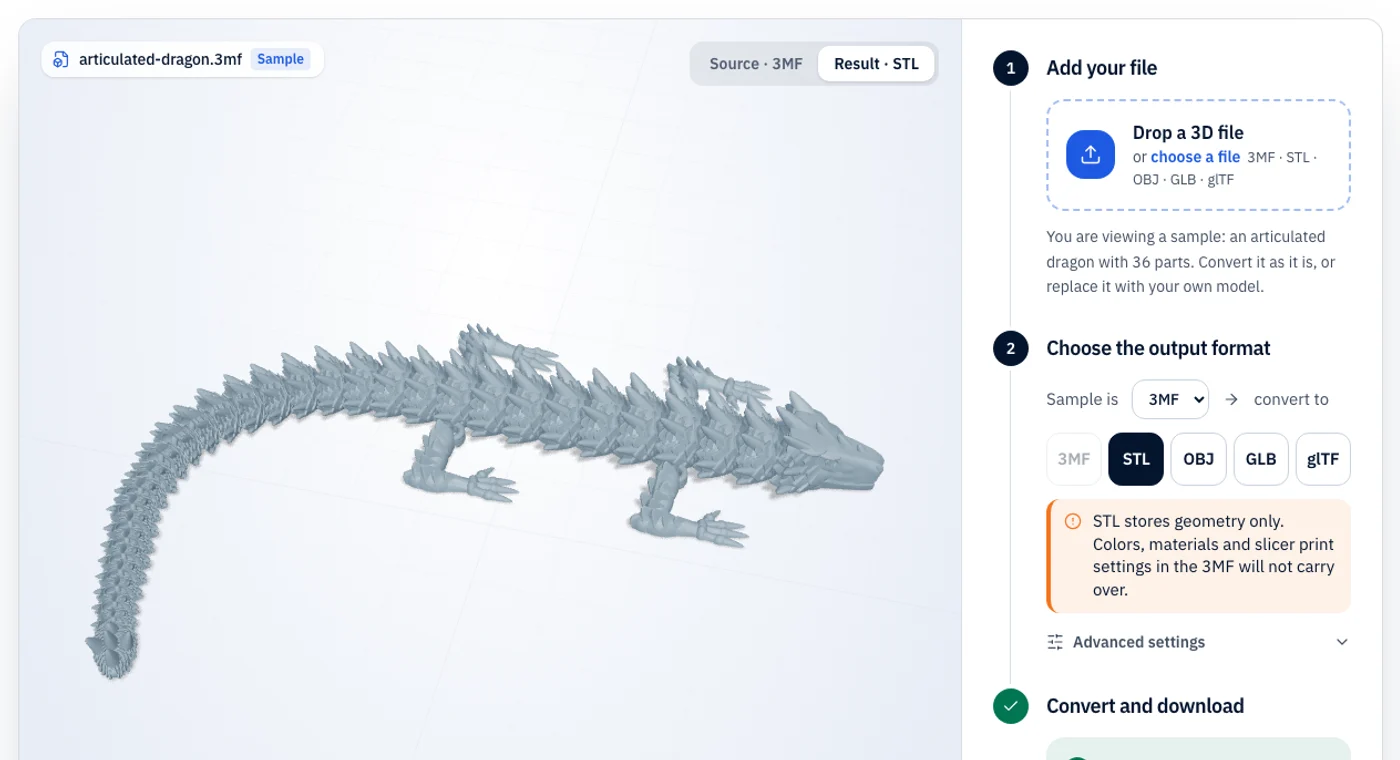
STL vs GLB: what changes in the conversion
Use this to show a 3D-printable model on a website, in AR viewers or in a game engine, all of which take glTF/GLB.
The oldest and most widely supported 3D printing format. It stores only a triangle mesh: no color, no materials, no units.
The “JPEG of 3D” for the web: one binary file with geometry, PBR materials, textures and animation.
| Property | STL | GLB |
|---|---|---|
| Color | No | Yes (PBR materials) |
| Textures | No | Yes, embedded |
| Units | None (slicers assume mm) | Metres |
| File structure | Binary or ASCII triangle list | Single binary file |
| Best for | Sending a mesh to any printer or slicer | Web, AR and real-time 3D |
What stays
- the full triangle mesh in a compact binary glTF.
- a default neutral grey PBR material so it renders correctly.
What changes or is lost
- STL is Z-up millimetres; glTF is Y-up metres. By default we rotate and scale (÷1000) so the model appears upright and at real-world size.
What is STL?
STL dates from the 1980s and is still the lowest common denominator of 3D printing. It describes a surface as a list of triangles and nothing else: no color, no material, no unit and no object names. Because it is so simple, practically every slicer, CAD tool and print service accepts it.
What is GLB?
GLB is the binary form of glTF 2.0, the Khronos Group’s open format for delivering 3D to the web, AR and game engines. Geometry, PBR materials, textures and animation are packed into a single file that loads quickly in three.js, Babylon.js, model-viewer and most engines. glTF uses metres and a Y-up coordinate system.
STL to GLB troubleshooting
The problems people actually run into, and the quickest fix for each.
- 01
The model looks flat-shaded
STL stores per-triangle normals, so shading is faceted. Smooth normals in your 3D tool or engine if you want a softer look.
- 02
The model is tiny in my viewer
If your pipeline treats units as millimetres already, turn off the scale setting (set it to 1×).
- 03
The GLB is large
GLB stores every vertex. Heavy scans should be decimated before web use.
STL to GLB FAQ
Short answers to what people ask before converting STL files to GLB.