
OBJ to GLB Converter
Use this free OBJ to GLB converter to turn a OBJ model into a GLB file without installing software. Add your file, check the 3D preview, and download the GLB result. The conversion runs in your browser, so the model never leaves your device. Materials from an accompanying .mtl and its textures are included if you add those files. Otherwise the model uses a neutral grey.
- Free, no watermark
- No signup
- Files never leave your device
OBJ to GLB on a real model
A four-color 3D model is converted from OBJ to GLB in your browser. The produced file is loaded back and measured, so what you see below is the real result.
OBJ → GLB
Drag the handle to compare. Rotate either side and both follow. Sample: “Blue-and-white vase” by Format3D, CC0, generated by Format3D.
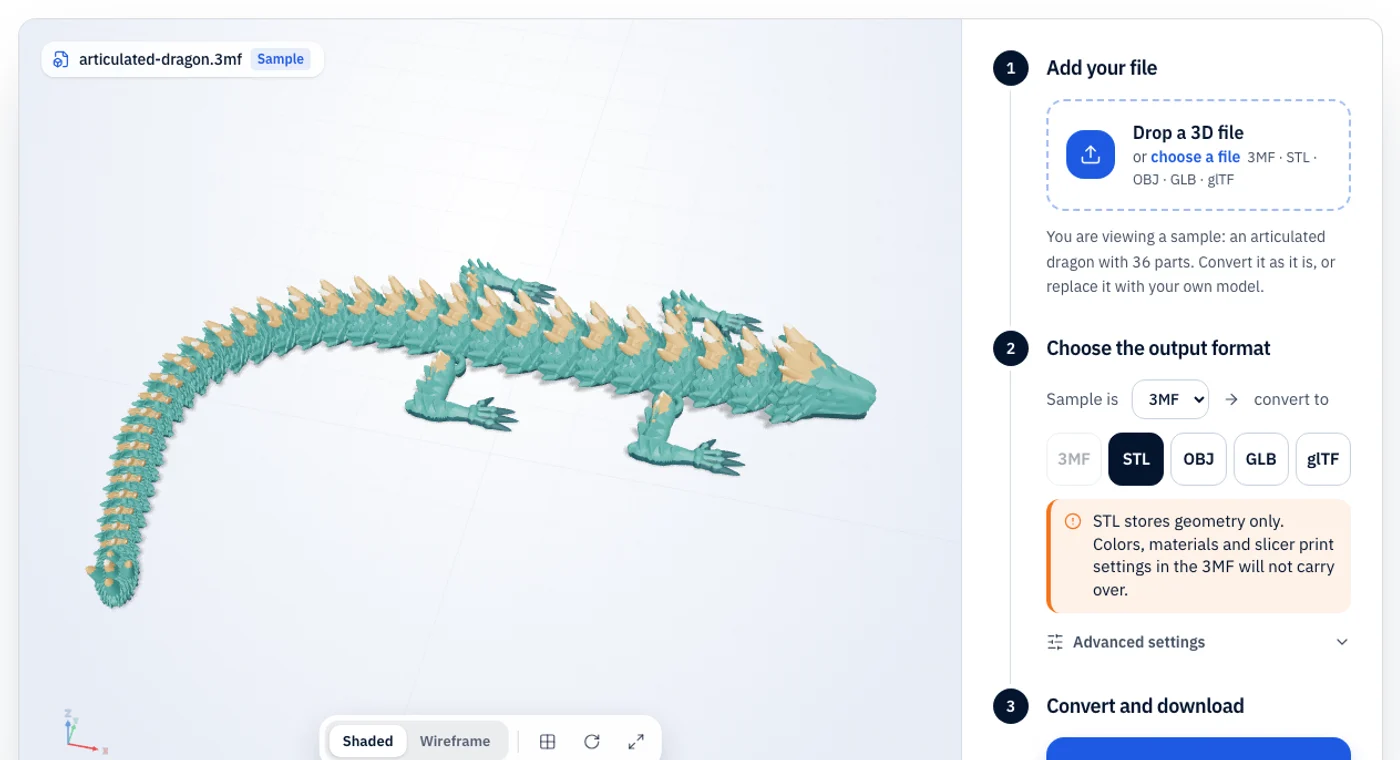
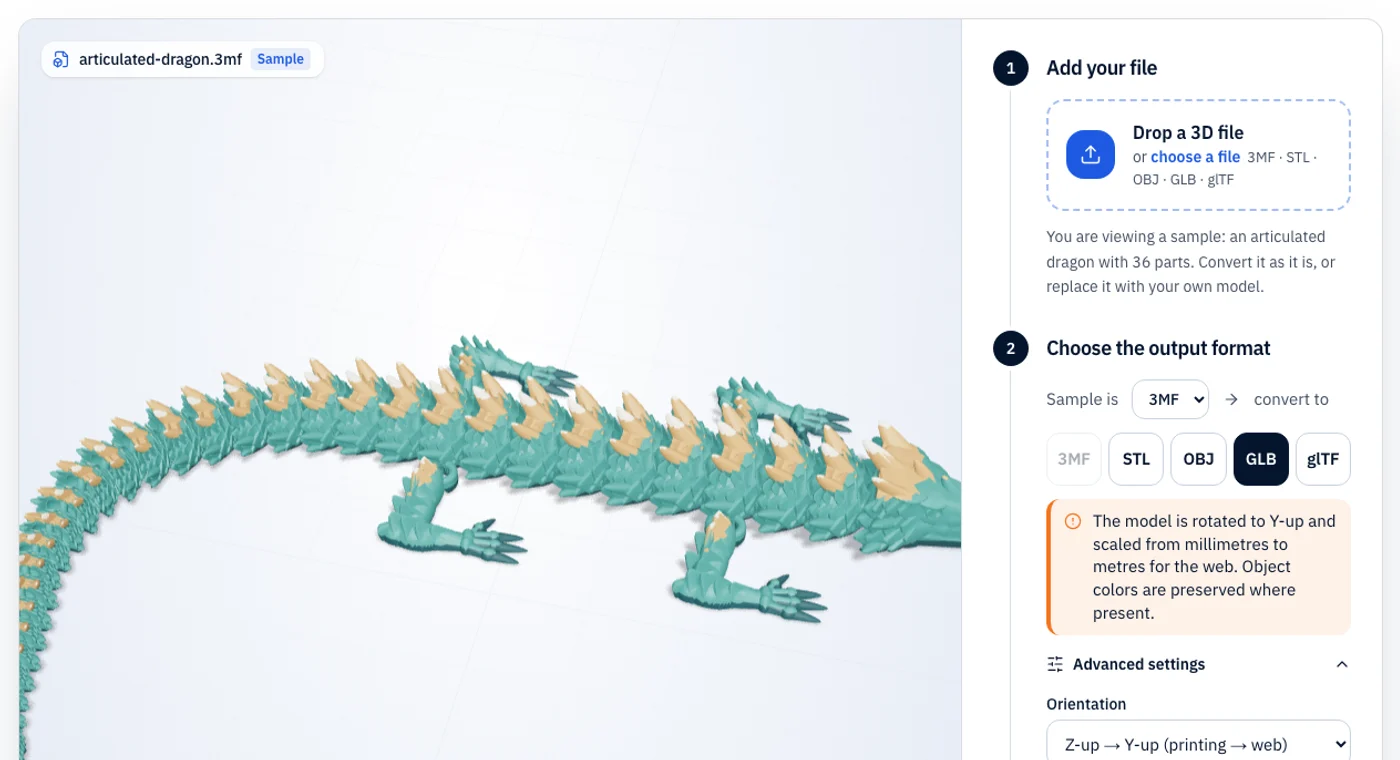
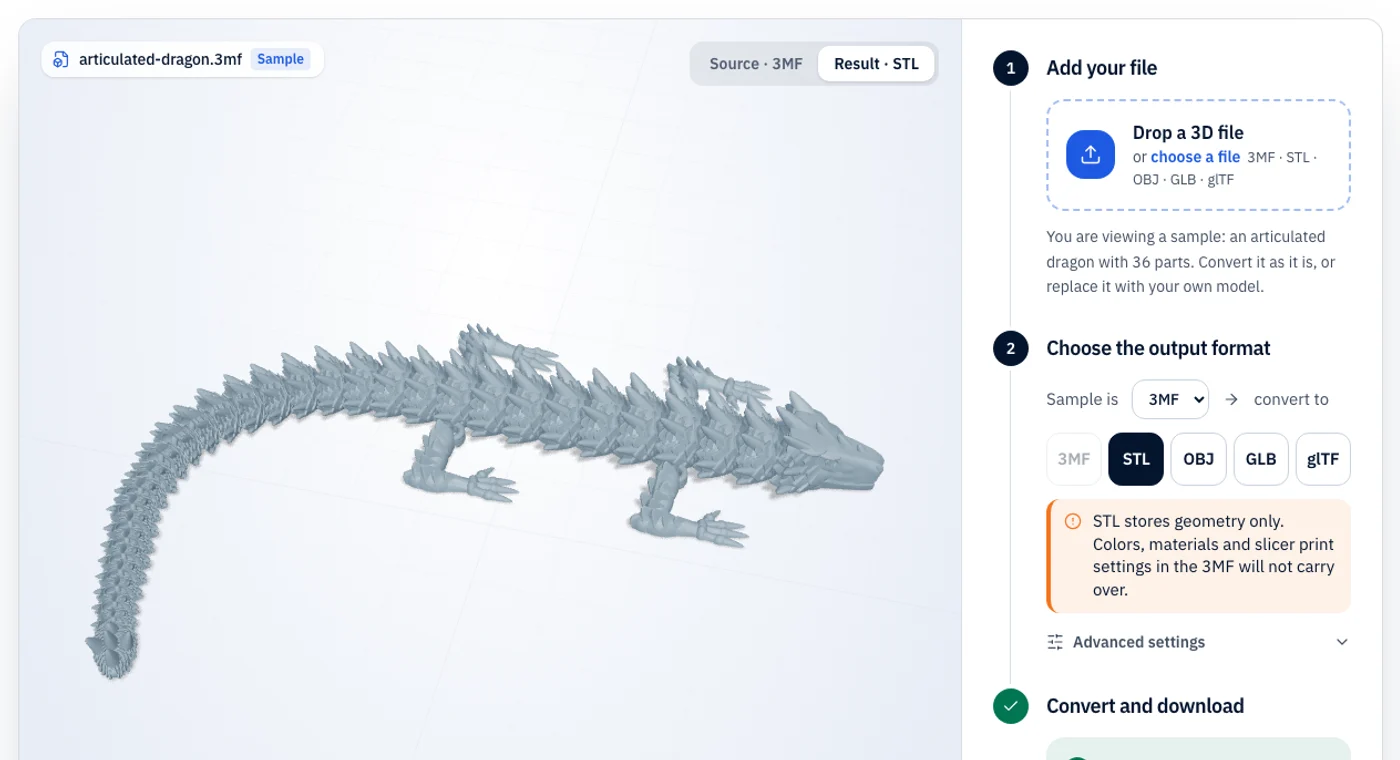
How to convert OBJ to GLB
Three steps, no account, nothing to install.
OBJ vs GLB: what changes in the conversion
Use this to put an OBJ model on the web, in AR or in an engine that prefers glTF/GLB.
A plain-text mesh format supported by nearly every 3D tool. Colors and textures live in a separate .mtl file and image files.
The “JPEG of 3D” for the web: one binary file with geometry, PBR materials, textures and animation.
| Property | OBJ | GLB |
|---|---|---|
| Color | Via .mtl file | Yes (PBR materials) |
| Textures | Yes, as separate images | Yes, embedded |
| Units | None | Metres |
| File structure | Plain text plus .mtl and images | Single binary file |
| Best for | Exchanging meshes between 3D software | Web, AR and real-time 3D |
What stays
- geometry, normals, UVs, and materials and textures if you add the .mtl and image files alongside the OBJ.
- everything, including textures, is embedded in one binary GLB.
What changes or is lost
- classic Phong-style OBJ materials are mapped to glTF PBR materials, so the look may differ slightly.
What is OBJ?
OBJ is a plain-text mesh format from Wavefront that nearly every modelling, sculpting and rendering program can read and write. Vertices, normals, texture coordinates and faces live in the .obj file, while colors and texture images are described by a companion .mtl file and separate image files, which must stay together.
What is GLB?
GLB is the binary form of glTF 2.0, the Khronos Group’s open format for delivering 3D to the web, AR and game engines. Geometry, PBR materials, textures and animation are packed into a single file that loads quickly in three.js, Babylon.js, model-viewer and most engines. glTF uses metres and a Y-up coordinate system.
OBJ to GLB troubleshooting
The problems people actually run into, and the quickest fix for each.
- 01
The GLB is grey
Add the .mtl and texture files when you choose the OBJ (select them together, or use “Add companion files”).
- 02
Textures are missing even with the .mtl
File names in the .mtl must match the images you provide, including their extension. Paths such as C:\textures\a.png are matched by file name only.
- 03
The model looks too big or small on the web
glTF expects metres. If your OBJ was in centimetres or millimetres, apply a scale in Settings.
OBJ to GLB FAQ
Short answers to what people ask before converting OBJ files to GLB.