
GLB to glTF Converter
Use this free GLB to glTF converter to turn a GLB model into a glTF file without installing software. Add your file, check the 3D preview, and download the glTF result. The conversion runs in your browser, so the model never leaves your device. The output is a single .gltf file with the buffers and textures embedded as base64, so it will be larger than the GLB.
- Free, no watermark
- No signup
- Files never leave your device
GLB to glTF on a real model
A four-color 3D model is converted from GLB to glTF in your browser. The produced file is loaded back and measured, so what you see below is the real result.
GLB → glTF
Drag the handle to compare. Rotate either side and both follow. Sample: “Blue-and-white vase” by Format3D, CC0, generated by Format3D.
How to convert GLB to glTF
Three steps, no account, nothing to install.
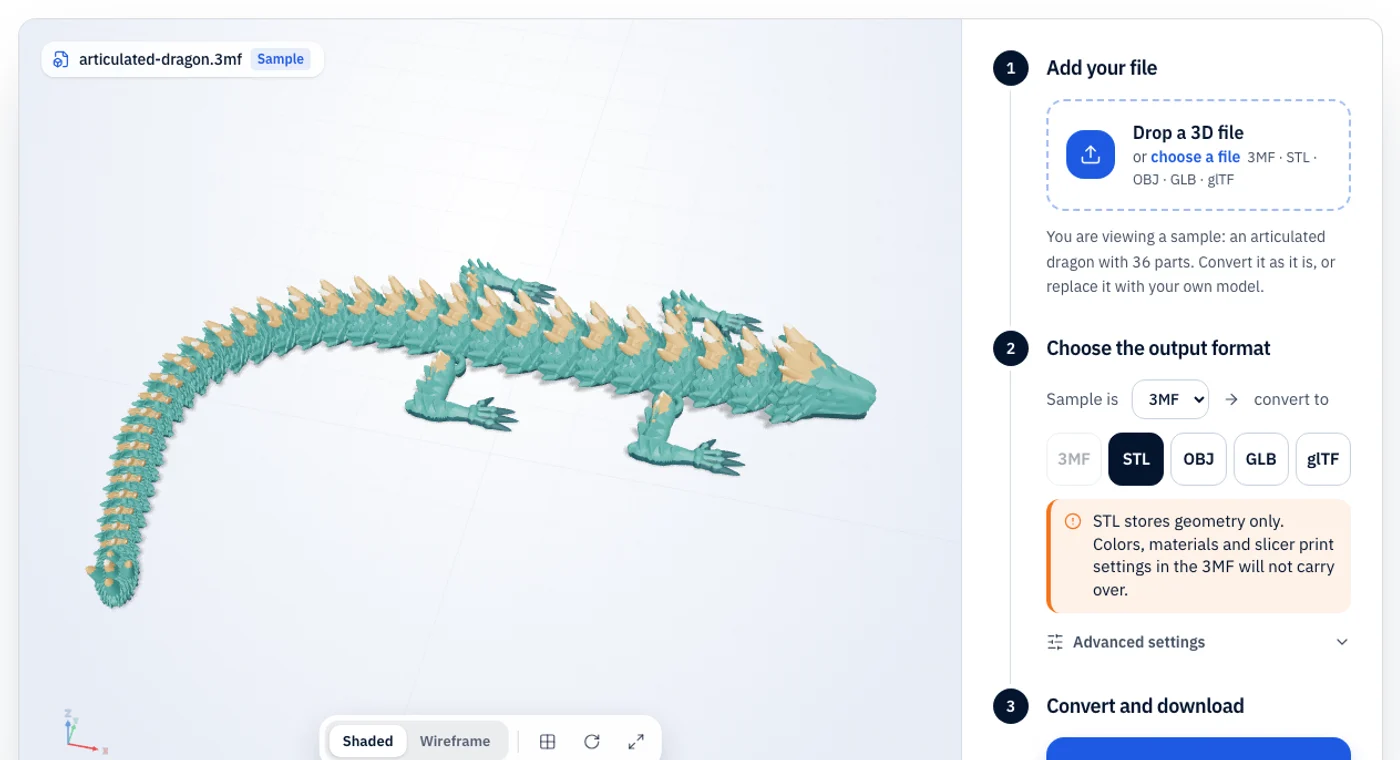
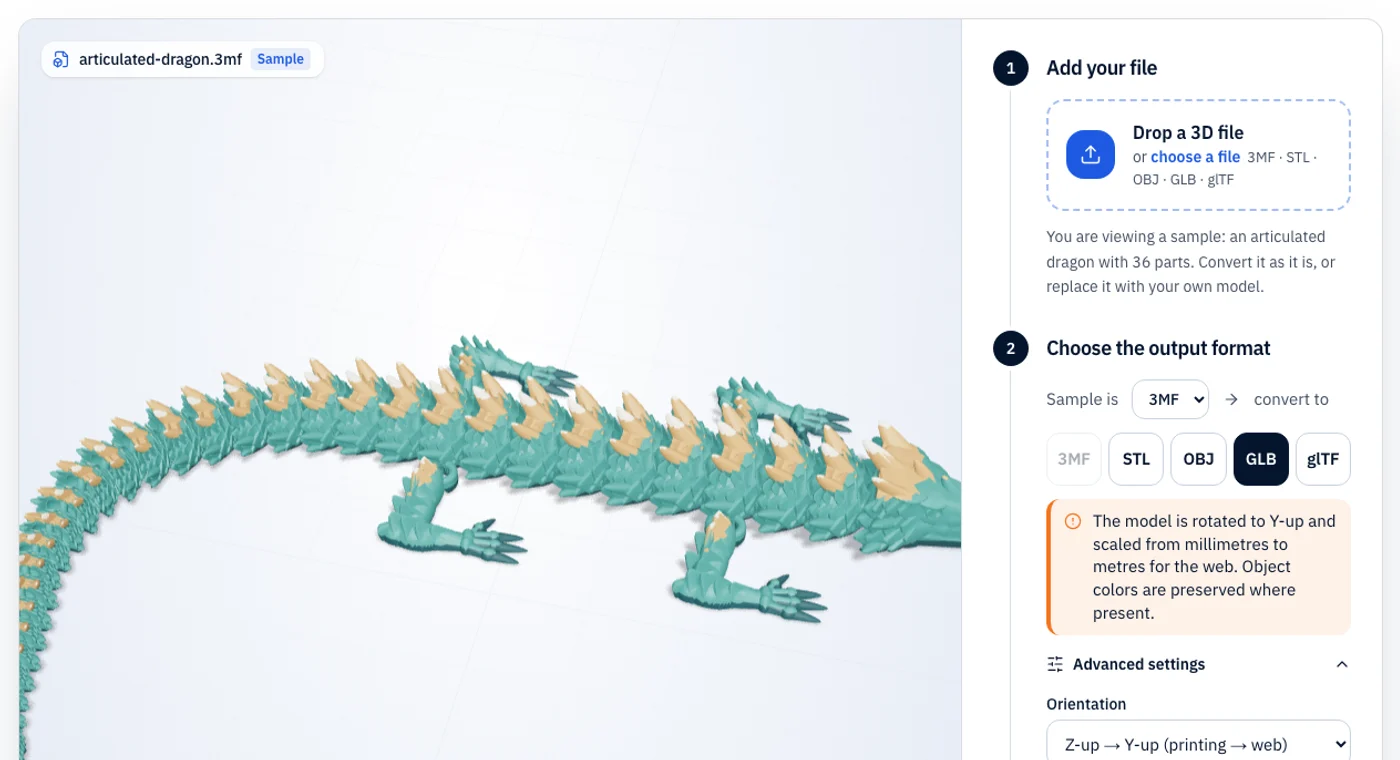
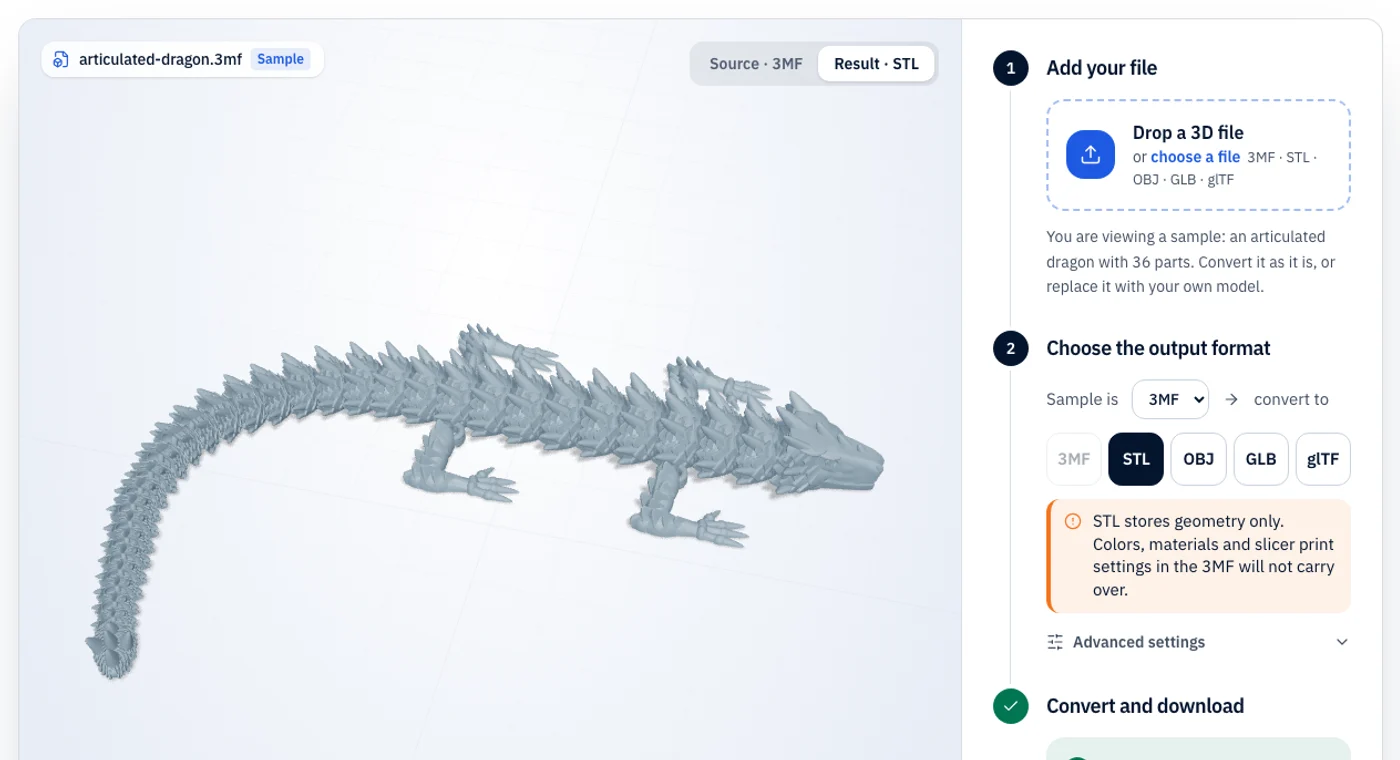
GLB vs glTF: what changes in the conversion
Use this when you need glTF’s human-readable JSON, for example to inspect or hand-edit a scene, or when a pipeline asks for .gltf.
The “JPEG of 3D” for the web: one binary file with geometry, PBR materials, textures and animation.
The text variant of glTF: a JSON scene file that can reference separate .bin buffers and texture images.
| Property | GLB | glTF |
|---|---|---|
| Color | Yes (PBR materials) | Yes (PBR materials) |
| Textures | Yes, embedded | Yes, embedded or separate |
| Units | Metres | Metres |
| File structure | Single binary file | JSON, optionally with .bin and images |
| Best for | Web, AR and real-time 3D | Inspecting or editing glTF scenes |
What stays
- everything. This is a repackaging of the same glTF 2.0 scene, not a lossy conversion.
What changes or is lost
- embedding binary data as base64 makes the file about a third larger than the GLB.
- we do not write separate .bin and image files; all data is inside the one .gltf.
What is GLB?
GLB is the binary form of glTF 2.0, the Khronos Group’s open format for delivering 3D to the web, AR and game engines. Geometry, PBR materials, textures and animation are packed into a single file that loads quickly in three.js, Babylon.js, model-viewer and most engines. glTF uses metres and a Y-up coordinate system.
What is glTF?
glTF is the JSON flavour of glTF 2.0. The scene description is readable text, and the heavy data can either be embedded as base64 or kept in separate .bin and image files next to it. That makes it easy to inspect and edit, but a multi-file glTF breaks if the companion files are lost.
GLB to glTF troubleshooting
The problems people actually run into, and the quickest fix for each.
- 01
I need separate .bin and texture files
This tool writes one self-contained .gltf. Use a command-line tool such as gltf-transform to split resources into separate files.
- 02
Extensions look different after export
Re-exporting rewrites the file. Unusual extensions may be dropped or normalised.
- 03
The GLB would not open
Draco- or Meshopt-compressed GLBs may not load. Decompress them first.
GLB to glTF FAQ
Short answers to what people ask before converting GLB files to glTF.